Crooli Flights: A Calm Live Map of the Sky
Every aircraft in the sky, live, on a quiet map. Routes, photos, airport boards, weather, flight replay and a 3D view, free with no account.
October 21, 2026 · Labs
A new Labs experiment: a live aircraft tracker that stays out of your way.
Flight trackers tend to be busy. Ads, panels, upsells, and a map you have to fight to see. We wanted the opposite: the sky, live, in the same quiet look as the rest of Crooli, and a few good tools one tap away.
Crooli Flights is that. Open it and you see aircraft moving in real time over a calm map, coloured by altitude and trailing a faint line behind them. There is nothing to sign up for.
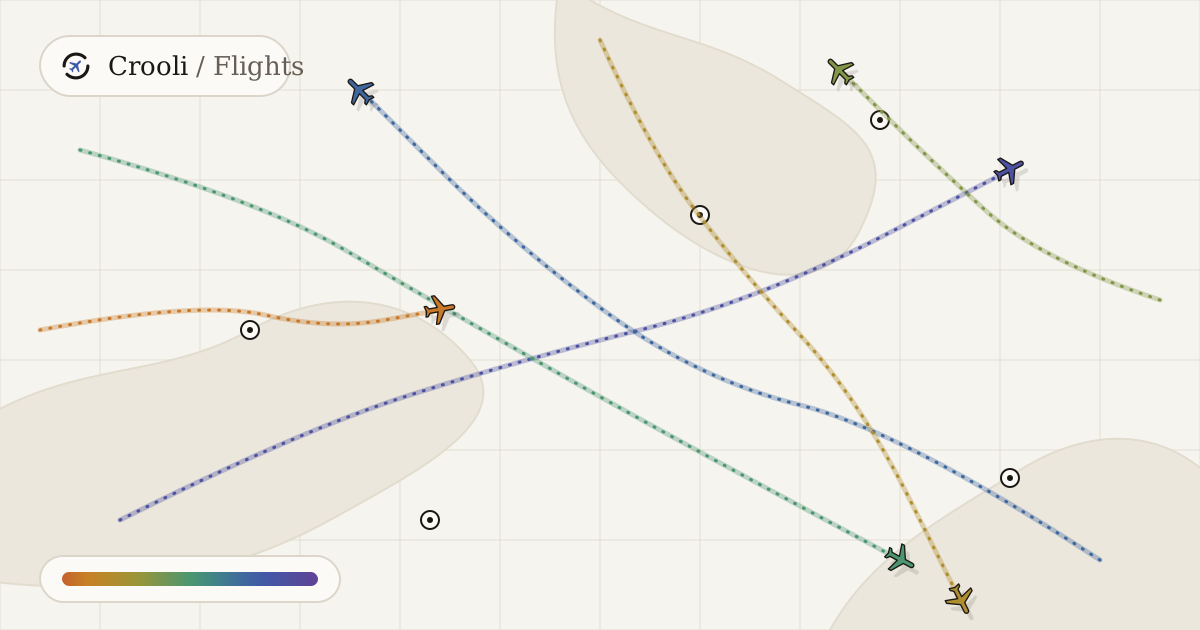
An illustration of the Flights map.
Real positions, drawn smoothly
The positions come from ADS-B, the signal most aircraft broadcast as they fly. Volunteer receivers around the world pick it up and share it, and Flights reads those public feeds. Nothing is invented and nothing is simulated.
New data arrives every few seconds, not every frame, so the tracker fills the gaps. Between updates each aircraft keeps going at its last speed and track, then eases to the true position when fresh data lands. That is why the planes glide instead of jumping. Try it below. Turn the gliding off and slow the updates down to see what the map would look like without it.
Colour tells you the height
Every aircraft is coloured by altitude, from clay on the ground, through ochre and sage, to lapis and violet at the top of the sky. You can read a busy map at a glance: the low traffic around an airport, the long flights high above it. Drag the slider to see the colours, and switch between feet and metres.
One sky, one request
The free feeds are generous but limited, so Flights does not ask for the sky afresh for every visitor. The world is split into a fixed grid of cells, each small enough to be one query. Because the grid never moves, everyone looking at the same part of the sky asks for the same cells, and each answer is cached for a few seconds. A thousand people watching the same view cost about the same as one.
If both feeds are busy, Flights serves the last good answer rather than showing nothing.
Tap an aircraft for the story
Select any aircraft and a card opens with its route, airline and airframe, a photo if one exists, and its speed and altitude. The route and airframe come from a public aircraft database, and the photos from Planespotters.net, with credit to the photographer.
Press ⌘K, or tap the search bar, to find a flight by callsign, an airport by name or code, or an aircraft by its registration.
Airport boards
Pick an airport and Flights builds a board from the live traffic: aircraft within reach of it, matched to their routes. Flights heading there are arrivals and flights from there are departures. The board sits beside current weather, read from the official METAR and TAF reports.
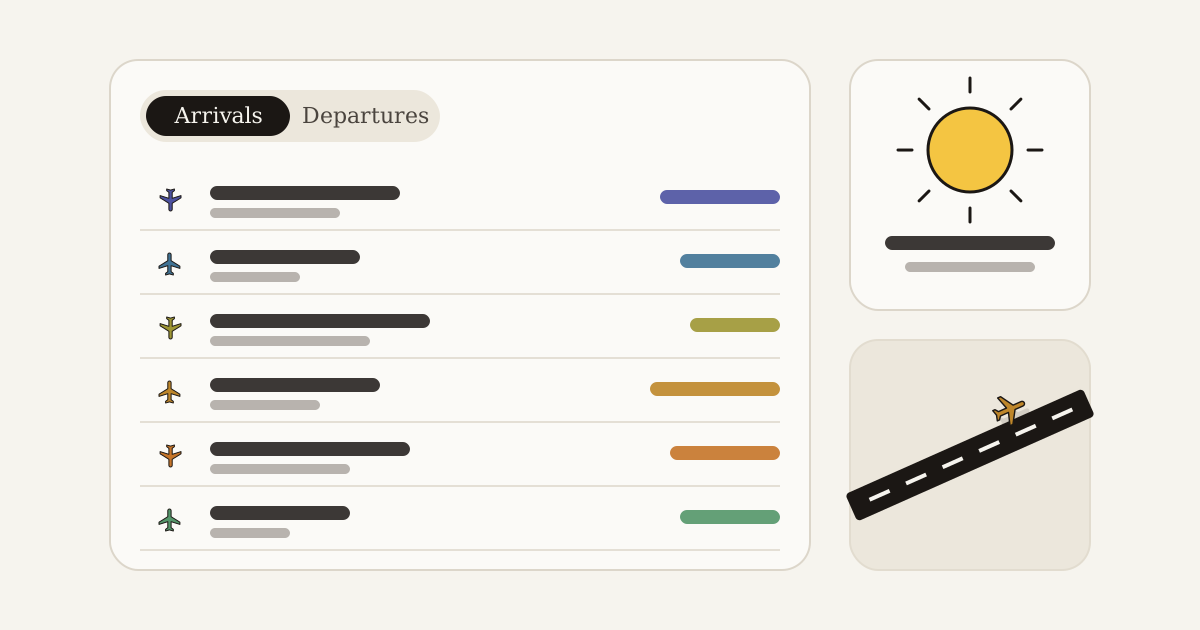
An illustration of an airport board.
Replay a flight
Open a flight and you can replay the track it has flown so far. Scrub along a timeline, speed it up, and watch the altitude profile draw as the aircraft climbs, cruises and descends.
See it in 3D
Switch to the 3D view and the map tilts. Every aircraft floats at its real height, slightly exaggerated so the layers of traffic are easy to tell apart, on a thin stalk down to the ground. It is the quickest way to see how much of the sky is in use above one airport.
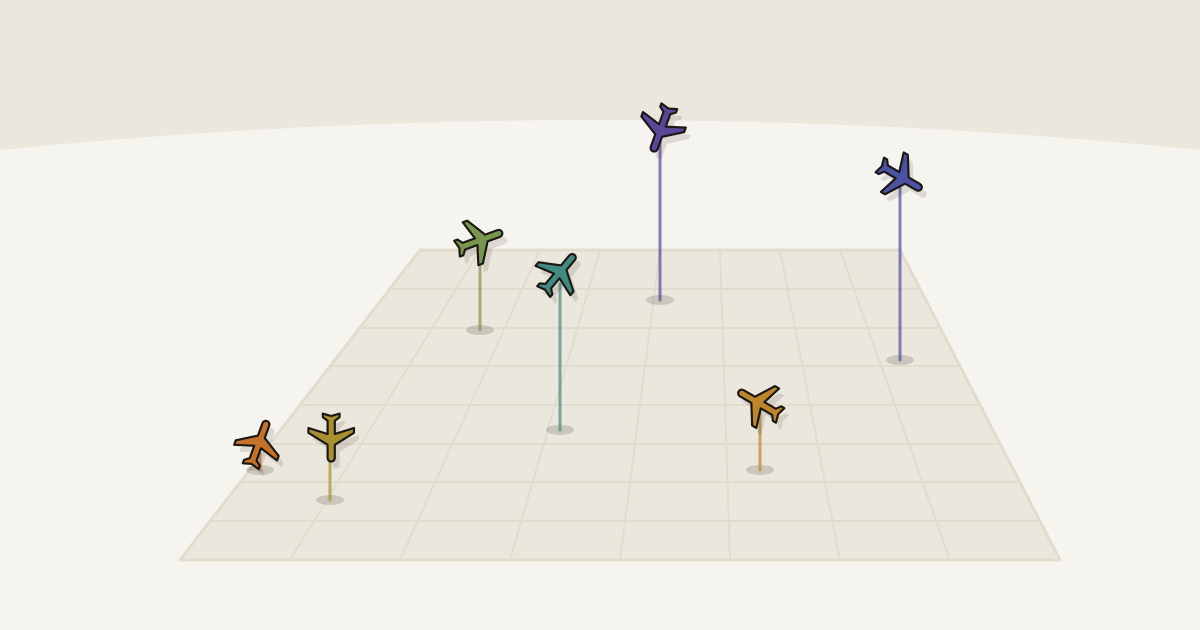
An illustration of the 3D view.
Emergencies, anywhere
Aircraft can tell air traffic control that something is wrong by changing the code their transponder sends. Flights watches for three of them across the whole world and lists any aircraft sending one.
Tune the map
A layers panel turns things on and off: weather radar, trails, callsign labels, airports, aircraft on the ground, and military only. A slider hides everything below an altitude, so you can look at just the high traffic. Units switch between aviation (knots and feet), imperial and metric. There is a light theme and a dark one.
Share a flight
Any flight can become a share card: a 1200 by 630 image of the flight, drawn in your browser in Crooli's look, with a link back to the live aircraft. Links to a flight or an airport open straight to it.
What it is built on
Flights has no build step and no accounts. It is static files and a few small serverless functions, and everything it shows comes from free, public sources:
| What | Where it comes from |
|---|---|
| Live positions | adsb.lol, with adsb.fi as a backup |
| Route, airline, airframe | adsbdb.com |
| Aircraft photos | Planespotters.net |
| Airport weather | aviationweather.gov (NOAA) |
| Radar | RainViewer |
| Basemap | OpenFreeMap, repainted in Crooli colours |
| Airports | OurAirports |
Your settings, such as the theme and the layers you chose, are saved in your own browser.
Good to know
Flights shows what the volunteer receivers hear, so coverage depends on where those receivers are. Some aircraft, and some regions, will be missing. The free feeds are also rate limited, so a very busy moment can mean slightly older data. It is for watching the sky, not for navigating in it.
Why it is in Labs
Flights started as a question: how calm can a live map be? It is an experiment that turned out useful, which is what Labs is for. You will find it with the rest of the experiments in Labs.
Take a look
Open flights.crooli.com, zoom in on an airport near you, and tap a plane.